
Wix Review 2026
Hands-on tested
Quick Snapshot
Pros, Cons & How We Tested
Pros
- Ready-made service and shop pages.
- Catalogue setup on Free.
- Bookings and a shop on one site.
Cons
- Classic templates can’t be swapped.
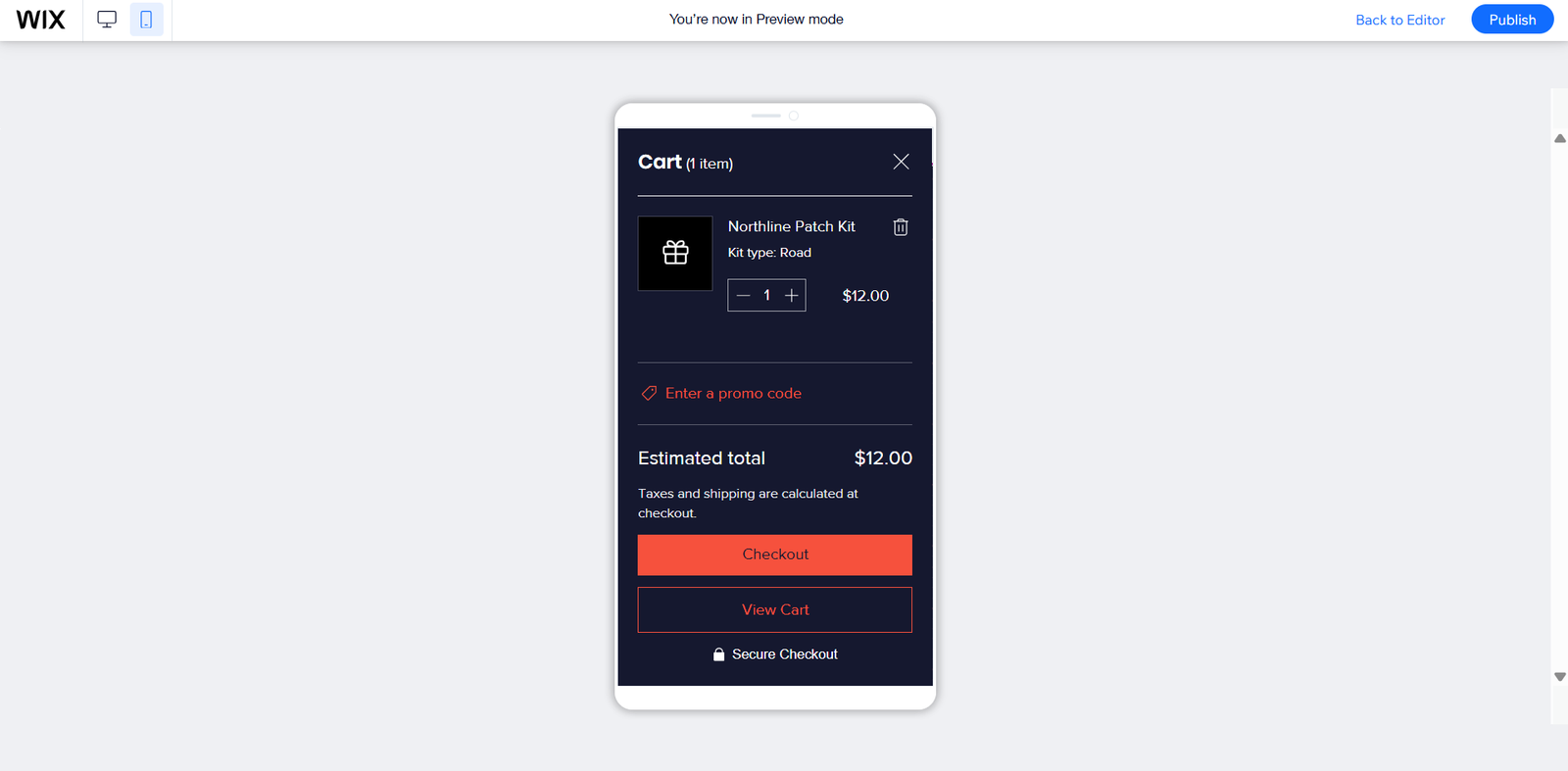
- Mobile layout needs its own check.
- Live bookings need a paid plan.
How We Tested
Review Findings
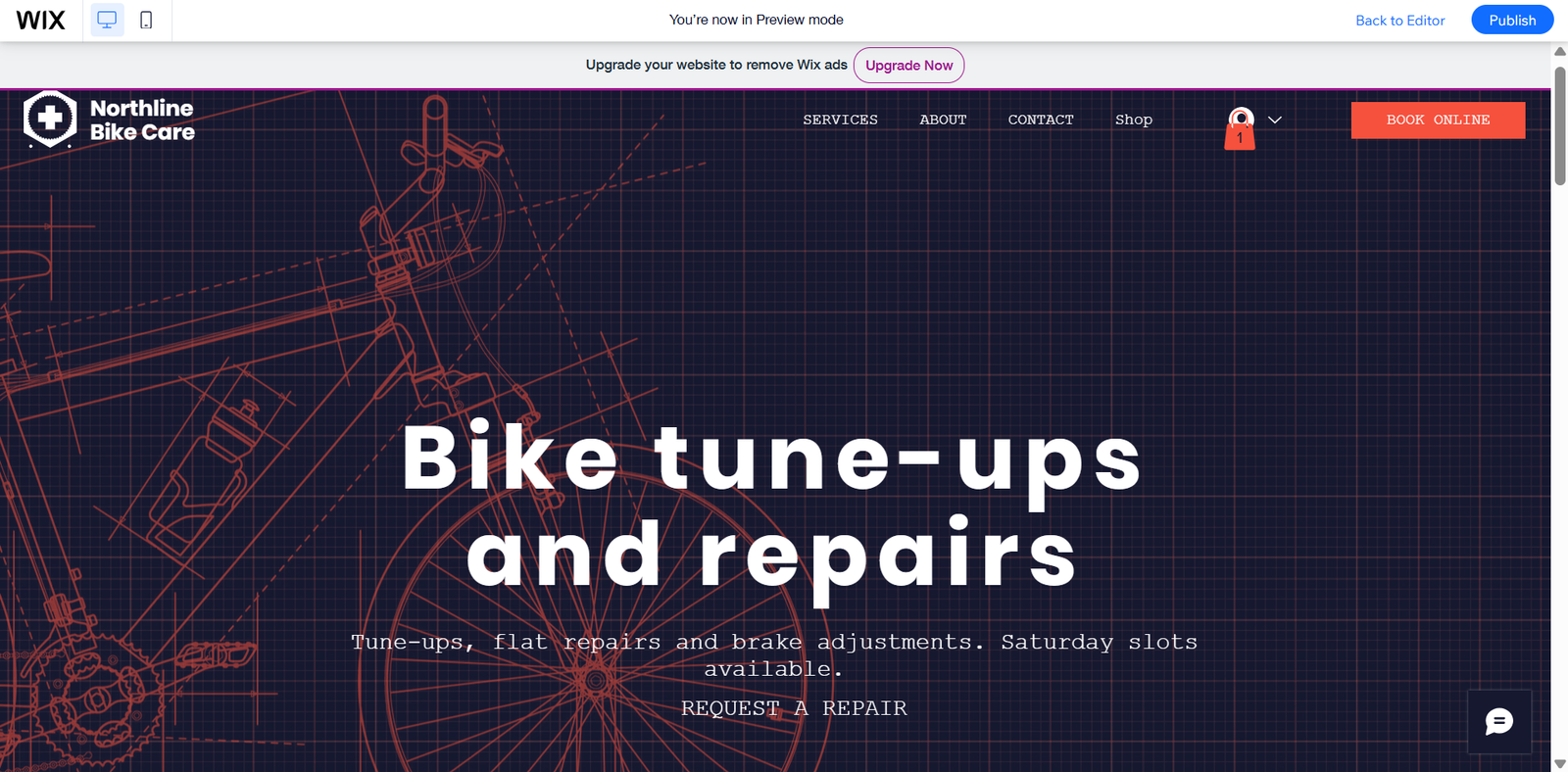
The template supplied the service and booking pages
A form limit blocked the inquiry test
Free lets you prepare a catalogue
GuidedVault Scorecard
Ready-made pages reduce layout work. Forms and the shop have their own settings.
The classic editor lets you adjust the phone layout separately from desktop.
The Free-site save limit left delivery unverified.
Catalogue setup is available before you pay for checkout.
Core is easier to justify when you need scheduling and checkout on the same site.
Features & integrations
Templates & AI
Wix lists more than 2,000 templates. Wix’s AI builder can turn a description of your business into an editable draft. In Harmony, you can revise it by hand or ask Aria to change a section.
Bookings & Wix Stores
Wix Bookings manages appointments and classes in a calendar and can send reminders. You can list services on Free. An eligible paid plan lets clients book online. Wix Stores handles products, variants and inventory on the same site.
SEO
You can edit the page title shown in search. Wix’s SEO checklist can connect Search Console on a paid site with a connected domain.
Pricing & Plans
Free
- Wix address and branding
- Hosted site and visual editing
- Up to four forms documented
- Wix Stores setup
- Show services and products
Light
- Custom domain and Wix branding removal
- 2 GB storage
- Two collaborators
- Four lead-capture forms
- No online payments
Core
- Accept online payments
- 50 GB storage
- Five collaborators
- Ten lead-capture forms
- Basic ecommerce and bookings
Billing & Extras
Paid evaluation. Wix’s 14-day refund period starts after an eligible plan purchase. Refund terms
Which plan makes sense?
- Check payment provider availability for your business.
- Budget for the domain renewal and any paid apps.
Who Wix Is Best For
Best For
- Service businesses with an appointment calendar
- Owners who want control over page placement
- Teams adding a small shop to a service business
Not Ideal For
- You want control of your own hosting
- You want to switch themes on a finished site
- The shop needs advanced fulfilment from day one
Top Alternatives
Squarespace
For a service site you’ll update in sections.
Why Squarespace?
Choose Squarespace if you prefer working with sections and a grid when you update a service site. See the Fluid Engine editor for how the grid works.
Shopify
For a store built around inventory and orders.
Why Shopify?
Choose Shopify if fulfilling and tracking orders is the main job of the site. Check the Shopify plan for the workflow you use.
WordPress
Compare a content-first site with more hosting options.
Why WordPress?
Consider self-hosted WordPress if the ability to move hosts matters. Compare plugin maintenance with Wix’s hosted approach. About WordPress
FREQUENTLY ASKED QUESTIONS
Can I adjust the phone layout without changing desktop?
Yes. In the classic editor you can hide desktop elements from the mobile version or add mobile-only elements. Mobile editor guide
Can I create a contact form on Wix Free?
Wix documents up to four Free forms. Check existing forms in Forms & Submissions if a save warning appears. Form limits
Can I list my services before paying?
Yes. Free lets you display services. Upgrade to a plan that supports Wix Bookings before clients can book a slot. Bookings upgrade guide
Can I move my Wix site to another host?
A working Wix site stays on Wix hosting. You can export physical products to CSV. Moving the design and its apps means rebuilding the site. Hosting policy · Product CSV export